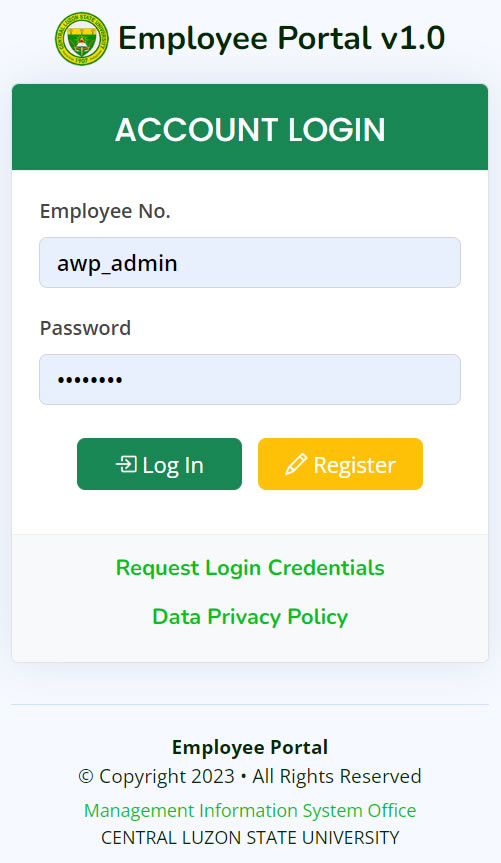
- When you forgot your Login Credentials, click the "Request Login Credentials" link located in the Login page.
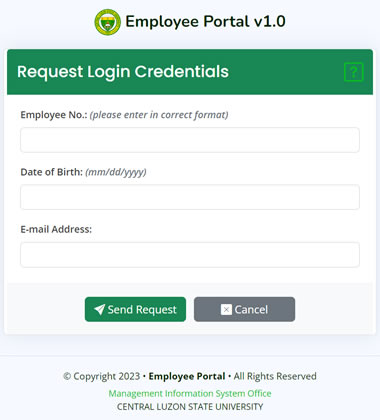
- At the Request Login Credentials page, fill in the needed information. Then, click the "Send Request" button.
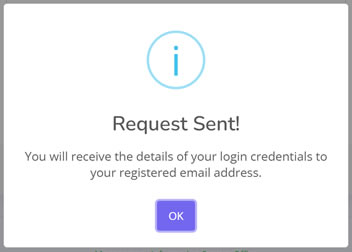
- If the request is successful, the "Request Sent!" message will show.
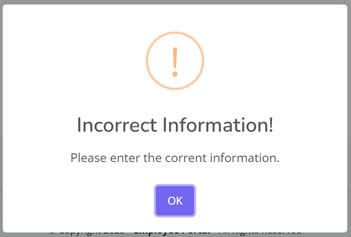
- If the details you have entered is incorrect, the message "Incorrect Information!" will show.
- If you forgot your registered e-mail address, please contact the System Administrator or the Human Resources Management Office (HRMO). For verification purposes, you will be ask to provide additional information.
