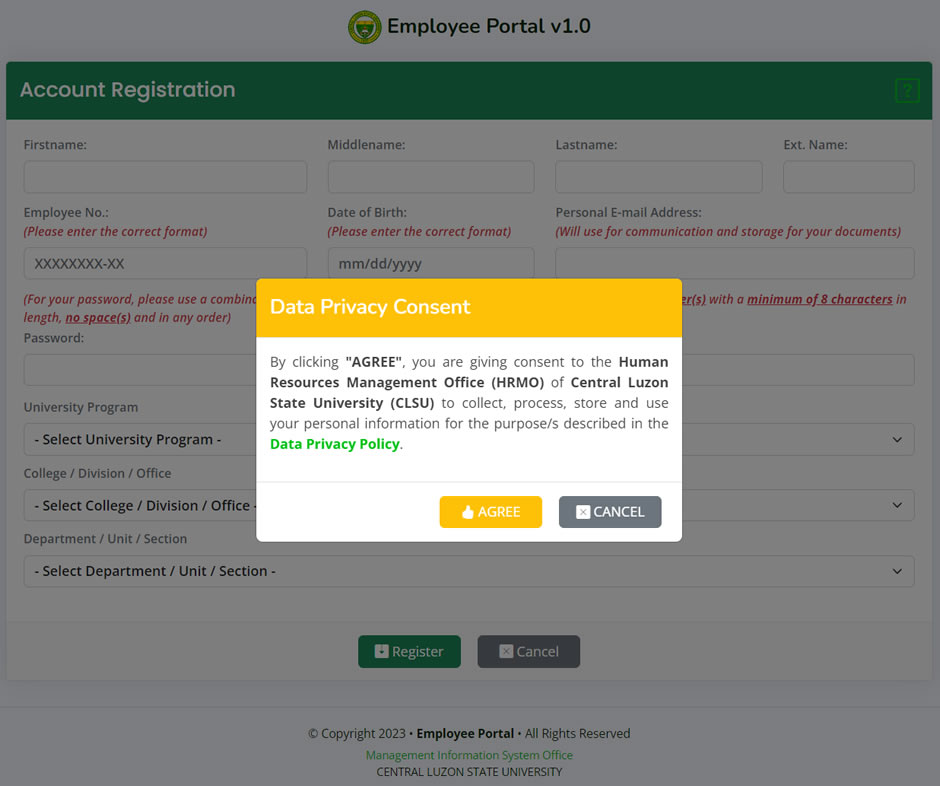
- At the Account Registration page, you will be greeted by the Data Privacy Consent statement. To continue with the registration, click the Agree button. Otherwise, click the Cancel button to close the page. Clicking the Data Privacy Policy will open the policy page.
- After agreeing with the data privacy consent, you are now allowed to register your account. Fill in the needed information.
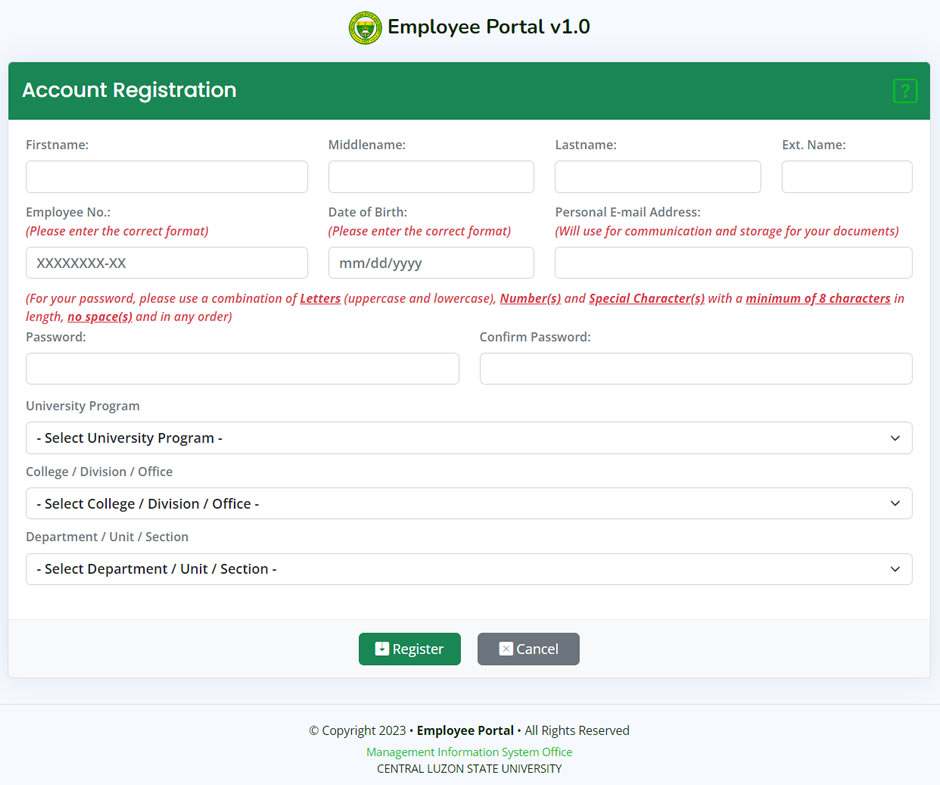
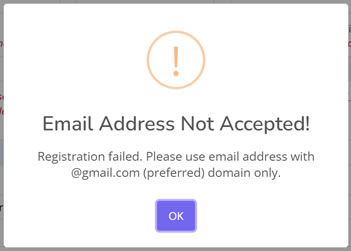
* For e-mail address, @clsu.edu.ph or @clsu2.edu.ph account is not accepted.
- After filling out the form, click the Register button to register and save the details.
- If successful, the message "Registration Successful!" will show.
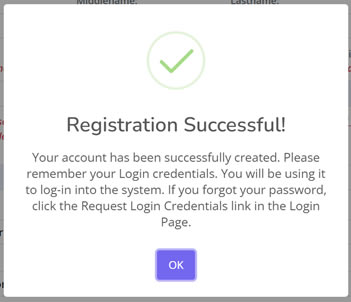
* Please remember your Login Credentials. The system will NOT send an email about the details of your registration.
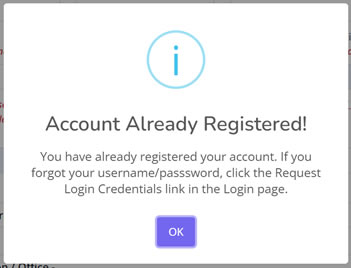
- If you have already registered your account, the message "Account Already Registered!" will show.
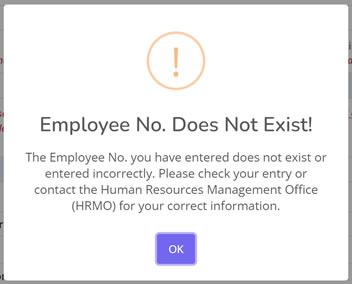
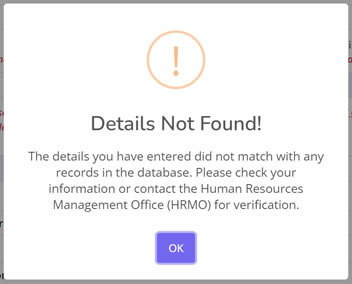
- If incorrect information have been entered, any of the following messages will appear.
- If e-mail address entered is not a gmail account (@gmail.com).
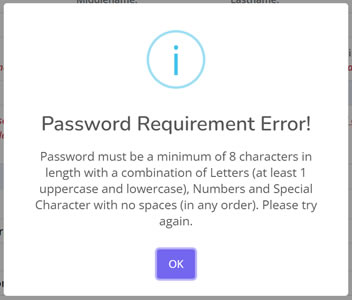
- If the password entered did not meet the requirement.
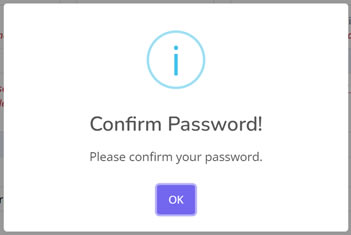
- Or if the you did not confirm your password.